
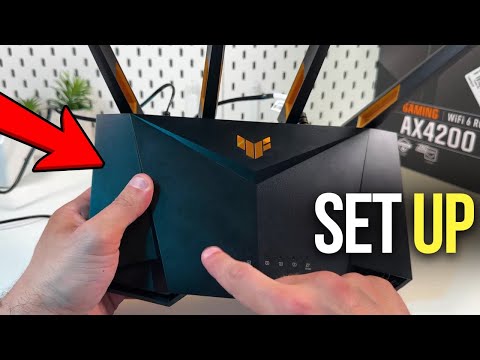
Discover the seamless way to enhance your gaming experience by setting up the Asus TUF Gaming AX4200 router. In this video, I’m excited to share a simple, step-by-step guide to get your gaming network up and running. I will walk you through everything from initial modem setup to customizing your SSID. Get ready to unlock powerful WiFi performance and advanced controls, ensuring you stay connected with top-tier internet speeds. Watch now to make sure you’re getting the most out of your Asus router and elevate your gaming setup to the next level!
This video also covers the following topics:
Setting Up Your Asus TUF Gaming Router AX4200
Guide to Configuring Asus TUF Gaming AX4200 Router
Complete Installation of Asus TUF Gaming AX4200 for Gamers
#AsusTUF #RouterSetup #GamingNetwork


Hello can i disconnect the router from my modem after it setup and place the router in a diffrent room?
5:07 One of the reasons why you would need to separate 5 GHz and 2.4 GHz frequencies on a WiFi network is due to some IoT devices only work with 2.4 Ghz WiFi connections and struggle to connect to WiFi networks that share both frequencies and some don’t connect at alll..
Hej mozna porozmawiać
What if I don’t have modem?
Configuring any router via mobile-phone is evil as hell. Or am I just an oldschooler with a laptop?