
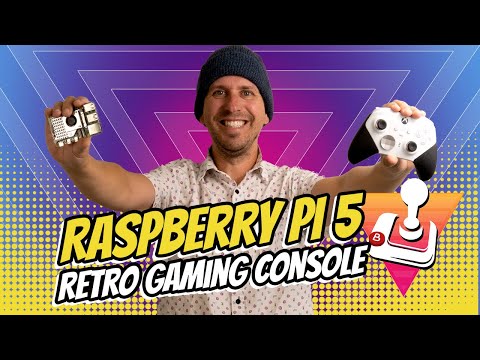
Play your favorite retro games on a Raspberry Pi 5. We walk you through how to set everything up using Batocera v40.
Sign up here to keep updated about our upcoming Raspberry Pi 5 Retro Gaming Console Case featured in this video –
What you’ll need to build one:
Raspberry Pi 5 4GB –
Raspberry Pi 5 Cooling Fan –
Raspberry Pi 5 Power Adapter –
Raspberry PI 5 Case with Active Cooler (don’t buy the cooling fan above if you get this) –
256GB Micro SD Card –
USB Micro SD Card Reader –
Micro HDMI to HDMI cable –
Xbox Controller –
8BitDo SN30 Pro Controller –
USB A to USB C cable (if you buy a controller with USB C) –
Links to websites used in this process:
Timecodes:
0:00 – Intro
0:32 – Why A Raspberry Pi 5?
1:42 – What you’ll need
3:16 – The Operating System
4:37 – Writing the SD Card
6:05 – First Boot into Batocera v40
6:45 – Setting up the Controller
7:50 – Connecting to WiFi
8:28 – ROMs
9:10 – Transferring Games to Batocera
10:25 – Using Screenscraper
12:09 – Themes
12:36 – RetroAchievements
13:20 – Hotkeys
13:53 – Button Mapping for Different Systems
14:12 – Save Game Progress
14:27 – Shaders
15:05 – NeoGeo Settings
15:46 – GameCube Performance
16:15 – Cases
What do you think about the Argon Neo 5 ?
Do I use the same as card for batocera as the same as card I’m using for the OS?
Great guide thanks! Subscribed for sure!
It’s just a shame that the RPi costs more than double now than what they cost then.
Wow still can’t do ps2 on pi 5 I havent got it yet however I do have pi 3 and 4