
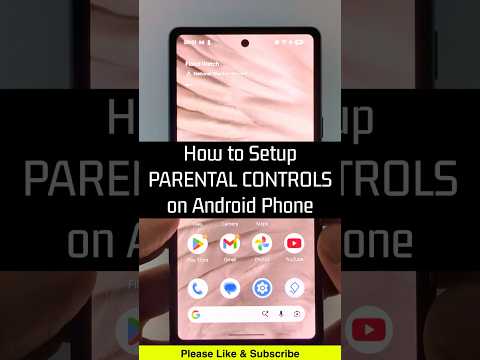
Learn how to setup parental controls on your Android phone quickly and easily. In this tutorial, I’ll walk you through how to enable and configure parental controls on any Android device, including Samsung Galaxy S25, S24, Google Pixel, and other popular Android phones running Android 15 and Android 14 in 2026. This means you can restrict apps, set screen time limits, and filter content to keep your child’s phone safe without needing any third-party apps or paid software.
More Android Tips & Tutorials:
#Android #androidphone #androidtips
Disclaimer: Some of the links in this description are affiliate links. As an Amazon Associate and a partner of other affiliate programs, this means I earn a small commission from qualifying purchases through these links. This helps support the channel and allows us to continue to make videos like this. Thank you for the support!
This video is for informational purposes only. Always exercise caution and consult a professional for cybersecurity or technical issues.
😀 Tools We Recommend 😀 (Paid links)
Free Online PDF Tools:
Fancy Text Generator:
Free QR Code Decoder & Maker:
Best Free VPN:
Check out My Amazon Storefront:
SUBSCRIBE NOW!:
DID WE HELP? SEND US A TIP!:
FOLLOW ME! 👉
BLOG:
FACEBOOK –
INSTAGRAM –
TWITCH –
Learn How To Crochet:
My YouTube Setup:

Thanks