
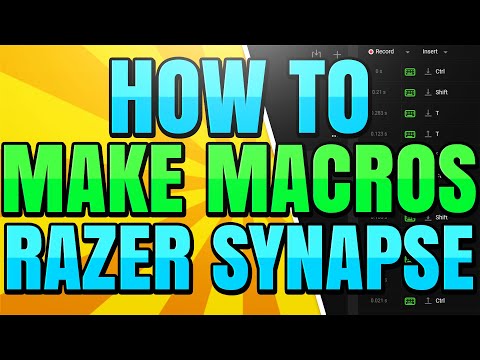
The Razer Synapse program gives you complete control over your Razer peripherals and allows you to customize their performance. One of the best features is being able to create custom multi step macros.
Macros can be used to perform multi step actions at the click of a button. You can assign keybinds and macros to your Razer keyboard or Mouse. These scripts are often used to simplify tasks or to gain an advantage in gaming.
Macros can be assigned to any key on your keyboard, or be used with the hypershift technology.
▶ Razer Synapse:
▶ Article:
▶ Website:
▶ Discord Server:
▶ Background Music
Harris Heller – Paths Less Traveled
Stream Beats:
Disclaimer: The advice provided in our tutorials and guides are based on our personal knowledge and experience. No advice given should be considered that of a professional, and comes with no guarantee. We strongly recommended that you do your own research to ensure what you’re doing is safe, and will accomplish the results that you’re looking for.
#Macro #Razer #RazerSynapse

If you are missing the macro option: https://youtu.be/zBzOmp9VUjM
Feel free to join our Discord server for more: https://discord.gg/uQvjqpWGxg
Is their option to keep old ? I upset with this new macro!
thank you
can you make the macro start on the release of a key?
i found this autoclicker thing myself, but a quick tip: if u do whatever he says with the extra button on the razer bsk v3 x hs, u can have an autoclicker on ur mouse.