
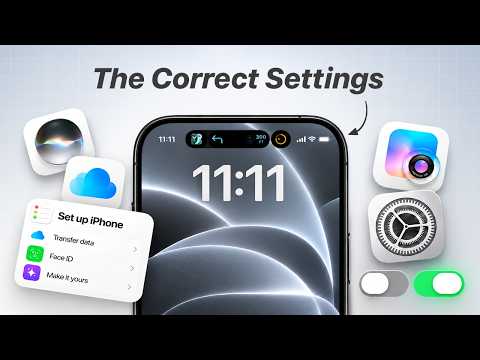
Setting up a new iPhone or looking to get more out of the one you already own? Here’s a full iPhone setup guide that covers the best iPhone settings to change, battery health tips, storage optimization, privacy and security features, must-have iPhone apps, and hidden iOS tricks to make your iPhone smarter, faster, more secure, and easier to use every day. Follow along to build the perfect iPhone setup and unlock features you probably didn’t know existed! Enjoy!
*FEATURED*
↪ Featured Wallpaper –
↪ Aero iOS Icon Set –
↪ Best iPhone Camera Settings –
↪ Mac Setup & Settings –
✅ Drop a like and subscribe if you enjoy this video. Thank you for your support!
🛎️ Sub for more –
*LET’S CONNECT*
↪ Instagram –
↪ TikTok –
↪ Facebook –
↪ Website –
*VIDEO CHAPTERS*
0:00 – Intro
0:30 – Initial Settings to Setup
5:04 – iPhone Organization & Visual Customization
10:09 – Battery & Charging Optimization
13:26 – Storage Optimization
16:08 – iCloud Setup & Backups
18:21 – Fix Notifications & Distractions
20:48 – Setup Privacy & Security
22:51 – Best Starter Apps
25:32 – Hidden Features
✉️ *BUSINESS ENQUIRIES* – team@aezmedia.com
The ULTIMATE iPhone Setup Tutorial – Settings, Apps & Tips
#iphone #setup #iphonetips

Is the back tap working even if it’s in case?
Poweruser
I keep changing my mind about which clip deserves first place 😂 I ranked seven funny kid moments on my channel, ClipPodium. Come see if we picked the same winner 🏆
Wallpaper ?
😅