

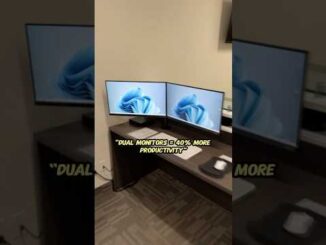
Welcome to another episode of “IT Tips, Tricks, & Hacks”! In this video, Barnett from ITCubed demonstrates how to set up and use dual monitors to supercharge your productivity. Whether you’re a tech enthusiast or a professional looking to optimize your workspace, this guide is for you.
In this video, you’ll learn:
📈 The benefits of using dual monitors
🖥️ Step-by-step instructions for setting up dual monitors on both Windows and macOS
💡 Tips for managing windows and applications across multiple screens
⚙️ How to maximize efficiency with taskbars, display settings, and application preferences
Studies show that dual monitors can increase productivity by up to 42%! Discover how you can take advantage of this simple yet effective tech hack to streamline your workflow.
Don’t forget to like, share, and subscribe for more tech-savvy tips! Hit the notification bell to stay updated with our latest videos.
🔗 Related Links:
ITCubed Website:
#DualMonitors #ProductivityHacks #TechTips #ITCubed #Efficiency #WorkSmart #ITSupport
Chapters:
00:00 – Introduction
00:16 – Benefits of Dual Monitors
00:46 – Setting Up Dual Monitors
01:16 – Managing Windows and Applications
01:46 – Tips for Maximizing Efficiency
02:16 – Conclusion

this feels weirdly awesome