
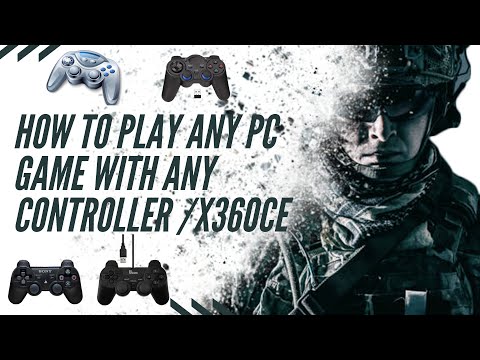
🎮 How to Play Any PC Game with Any Controller Using x360ce ✅
Tired of your gamepad not working with your favorite PC games? In this video, I will show you a simple and effective method to make almost any controller work perfectly on your Windows PC using x360ce (Xbox 360 Controller Emulator).
Whether you are using a generic USB controller, PS2/PS3 pad with an adapter, or a low-budget gamepad, this tutorial will help you configure your buttons, fix game compatibility issues, and enjoy smooth gameplay without stress.
✅ What you will learn in this video:
• How to download and install x360ce
• How to configure your controller buttons easily
• How to save and apply settings for any game
• How to fix common controller detection problems
• Extra tips for better gaming performance
This method works for:
✔ Action games
✔ Racing games
✔ Sports games
✔ Shooting games
✔ Almost every title that supports an Xbox controller
If this video helps you, please LIKE, COMMENT, and SUBSCRIBE for more helpful gaming tutorials.
👇 DOWNLOAD LINKS TO GET THE X360CE APP
👇 LINK WHERE YOU CAN ORDER A GAMEPAD FROM

My didn’t work
Thank you twin 🎉
You gats drop your aza this was good
Thanks chief, you’re my super hero
Thanks very helpful