
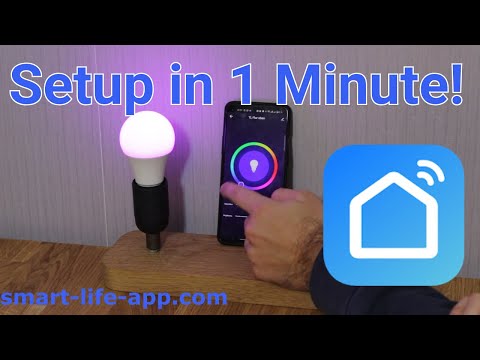
Welcome to our quick and easy tutorial! In this video, we’ll show you how to connect a Smart Life device (in this example, a smart light bulb) to the Smart Life App in under 1 minute! 🔥 Whether you’re setting up your smart home for the first time or just need a refresher, we’ve got you covered with simple steps to get your device up and running.
📲 The Smart Life App is your one-stop solution for controlling all your smart devices. Follow along as we guide you through the fast and effortless setup process. Once connected, you can control your smart devices from anywhere, right from your phone!
💡 What You’ll Learn in This Video:
How to open the Smart Life App and prepare for setup
Putting your light bulb in pairing mode
Connecting the light bulb to your WiFi network
Completing the setup and testing your new smart bulb
This is a must-watch for anyone looking to make their home smarter and life simpler! 🚀
Check out our website for more smart home tips and guides: smart-life-app.com
These instructions don’t work for newer phones. How do you put the bulb in AP mode?
Junky little light bulb
What if my lights dont blink when I pulg them ? I hav try everything?
Thank you!
How do you put it in pairing mode